

Blog
Essential Tools in
DevOps for Building a Modern CI/CD Pipeline
Running a business today can feel
like a race against time. Products need
Running a business today can feel like a race against time. Products need to ship fast, updates can’t break systems, and customers expect everything to just work. On top of that, teams are often juggling more with fewer resources.
This is where DevOps makes a real difference. When done right, it enables smooth software releases, reduces operational stress, and brings better control over delivery. A modern CI/CD pipeline plays a key role, powered by the right tools in DevOps and guided by automation and AI-driven insights.
If your goal is to bring more predictability to delivery and reduce operational friction, this blog will help you extensively.
What a Modern CI/CD Pipeline Means for Business Teams
A CI/CD pipeline isn’t just a technical workflow. It connects people, processes, and technology into one continuous loop. Continuous Integration (CI) focuses on merging code changes frequently, while Continuous Delivery or Deployment (CD) ensures changes reach production safely.
For businesses, this delivers:
- Faster release cycles without last-minute panic
- Fewer production issues
- Clear visibility into what’s being shipped and when

Core Categories of Tools in DevOps That Power CI/CD
1. Version Control and Collaboration as the Foundation
Every strong pipeline starts with version control. This is where code changes are managed, teams collaborate, and accountability is maintained. Git is widely used because it’s reliable and supports modern workflows.
Platforms like GitHub, GitLab, and Bitbucket expand version control into collaboration hubs. They allow teams to:
- Review code before merging
- Trigger automated builds and tests
- Track changes with clear ownership
2. CI/CD Automation Tools That Keep Delivery Moving
Automation tools handle repetitive tasks like building code, running tests, and preparing releases. Popular choices include Jenkins, GitHub Actions, GitLab CI/CD, CircleCI, and cloud-based pipelines.
Their main goals are to:
- Reduce manual effort
- Improve consistency
- Speed up feedback loops
3. Testing and Code Quality Tools That Reduce Risk
Testing tools ensure new changes don’t break existing functionality. They run continuously in the pipeline, catching problems early when they’re easier to fix.
This layer includes:
- Unit and integration testing frameworks
- Static code analysis tools
- Security and vulnerability scanners
4. Deployment and Release Management Tools That Build Confidence
Deployment tools control how applications move from testing to production. Some businesses prefer gradual rollouts, while others go full automation. Tools like ArgoCD, Spinnaker, and Octopus Deploy help manage releases clearly.
They support:
- Controlled rollouts
- Quick rollbacks if issues arise
- Consistency across environments
5. Container and Infrastructure Tools That Support Growth
Modern applications rely on containers for consistency. Docker packages apps reliably, while Kubernetes manages them at scale. Infrastructure as Code tools like Terraform automate cloud and server setup.
Together, these tools help:
- Scale without manual configuration
- Recreate environments quickly
- Reduce infrastructure errors
Essential DevOps Tools for a Modern CI/CD Pipeline at a Glance
| Category | Popular Tools | Primary Benefits |
|---|---|---|
| Version Control & Collaboration | Git, GitHub, GitLab, Bitbucket | Track changes, manage code, enable team collaboration, trigger automated builds |
| CI/CD Automation | Jenkins, GitHub Actions, GitLab CI/CD, CircleCI, Travis CI | Automate builds, tests, and deployments; reduce manual effort; speed up delivery |
| Testing & Code Quality | Selenium, JUnit, SonarQube, Checkmarx, OWASP ZAP | Catch bugs early, enforce code quality, ensure security, reduce production risks |
| Deployment & Release Management | ArgoCD, Spinnaker, Octopus Deploy, Harness | Controlled rollouts, quick rollbacks, environment consistency, reliable releases |
| Containers & Infrastructure | Docker, Kubernetes, Terraform, Ansible, AWS CloudFormation | Consistent environments, scalable infrastructure, automated provisioning, reduced errors |
| Monitoring & Observability | Prometheus, Grafana, ELK Stack, Datadog, New Relic | Track pipeline health, identify issues quickly, improve performance and reliability |
| AI & Optimization | XFactr.AI | Use AI-driven insights to optimize pipeline efficiency, predict failures, and improve decision-making |
How to Choose the Right Tools Without Creating Complexity
Team Skills
Infrastructure Fit
Security & Compliance
Release Goals
Integration
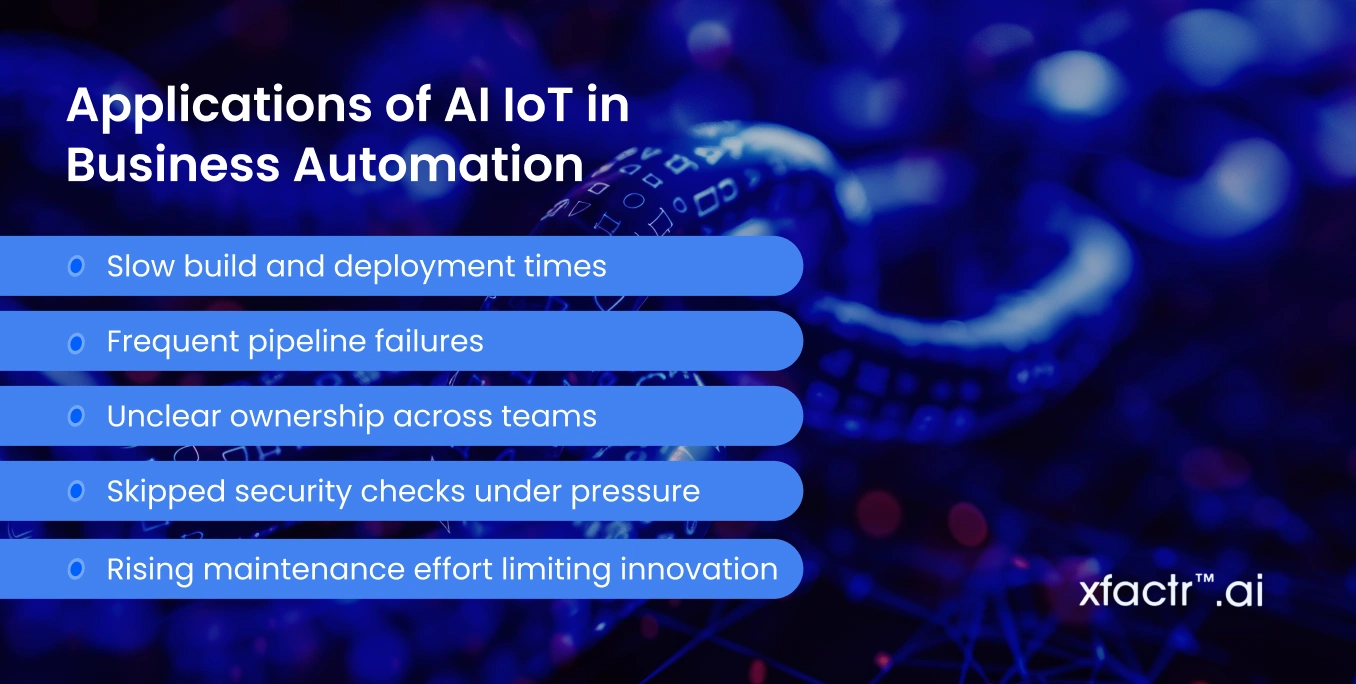
5 Common CI/CD Challenges Businesses Face
- Slow build and deployment times
- Frequent pipeline failures
- Unclear ownership across teams
- Skipped security checks under pressure
- Rising maintenance effort limiting innovation
How XFactr.AI Helps Simplify DevOps For You?
We work with businesses to design CI/CD pipelines aligned with operational goals, not just technical preferences. The focus stays on clarity, automation, and reliable outcomes.
Our approach includes:
- Selecting and integrating the right tools in DevOps
- Automating testing, deployment, and monitoring
- Using AI-driven insights to boost efficiency
When Do You Need Expert DevOps Support?
- Releases feel unpredictable or stressful
- Pipelines break frequently
- Teams spend more time maintaining automation than delivering value
- Rapid scaling, cloud migrations, or AI adoption add operational complexity
Final Thoughts
A modern CI/CD pipeline is built to give control, not just speed. When collaboration, automation, testing, deployment, and infrastructure work together, software delivery becomes consistent, reliable, and predictable. The right tools in DevOps reduce friction, limit risk, and let teams focus on results instead of firefighting.
If your goal is to streamline operations and unlock the full potential of DevOps and AI, we at XFactr.AI guide you to simplify complexity, strengthen delivery systems, and build scalable foundations. Reaching out to us could be the step that brings clarity and stability to your operations.